The connector can see your Drive, and your numbers
Three new tools for Claude and ChatGPT — browse your Google Drive, read how a post did, and check every account's audience. No more pasting share links.

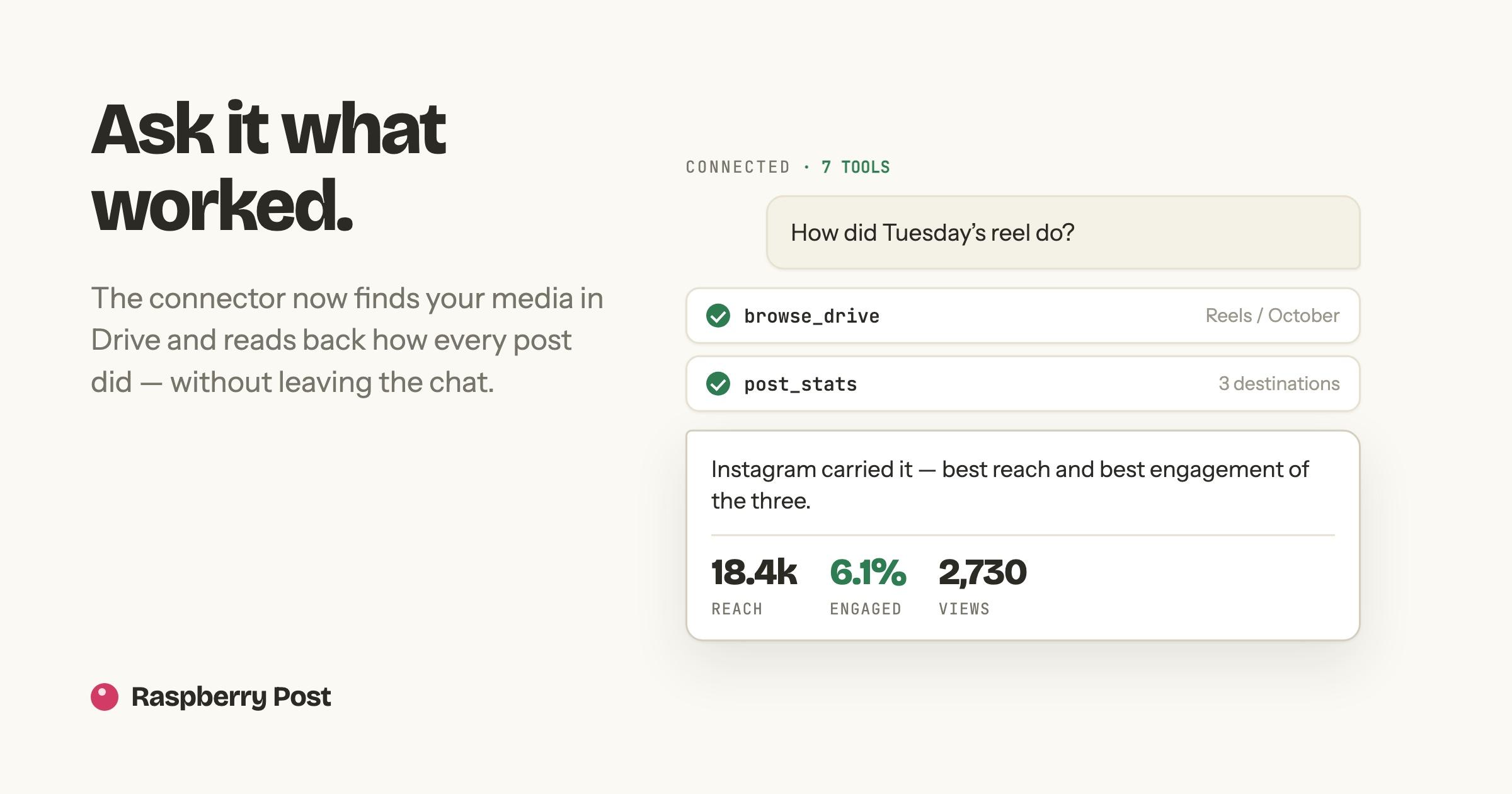
The Raspberry Post connector went from four tools to seven. Two of the three new ones close gaps that made it worse than the app; the third makes a whole class of failed post impossible.
It browses your Drive now
Before this, attaching media meant leaving the conversation: open Drive, find the file, Share → Copy link, paste it back, and let the model pick the id out of the URL. That is exactly the tab-switching the connector exists to avoid.
Now you can say "post the newest clip in my Reels folder" and it walks the folders itself. The file ids it finds go straight into the scheduled post.
Pasting a share link still works, and is still faster when you know the exact file you want. Nothing about storage changed — the media stays in your Drive and is read at publish time, same as always.
It knows which formats each account takes
schedule_post used to accept the format as free text, with a vague example
list that was not per platform. So the model guessed, and a guess that missed
came back as That account cannot post "X" — nothing scheduled, a round trip
wasted.
Every destination now arrives carrying the exact formats it accepts. YouTube offers a video. Instagram offers feed, carousel, reel and story. Facebook adds a text post. The model picks from a real list instead of inventing one.
It can tell you how a post did
Two tools read the same figures the dashboard shows:
- Account numbers — audience, the seven-day change, and how the last post did, one row per connected account. Never summed across platforms: two audiences added together is a number that describes neither.
- Post numbers — one published post across every destination it went to, side by side. The content is identical, so what differs is the audience and the platform, which is the only honest cross-platform comparison there is.
Each destination reports in its own platform's words — views on YouTube, reach on Meta — and a metric a platform does not report is simply absent rather than shown as a dash.
A missing number says why
This is the part worth spelling out. These figures are snapshots, not live: a worker collects them on a schedule, so a post published ten minutes ago has not been read yet.
A dashboard can show an em dash and be understood, because you can see it is a page of collected data. A sentence in a chat cannot. So where there is no number, the connector says which kind of nothing it is — not published yet, not collected yet, or collected but the platform reported nothing — instead of handing back a bare blank that reads as a zero. Zero reach and nobody has looked yet are very different things to be told.
Nothing here calls Meta, YouTube, LinkedIn or X on demand. Collection stays the worker's job on a cadence that exists for good reasons, and a tool that fetched live would hand every connector user their own rate limit.
Setting it up
Unchanged: Add connector in Claude or ChatGPT, paste
https://raspberrypost.com/api/mcp, sign in with Google, click Approve. The
new tools appear on their own — there is nothing to re-authorise.
Full walkthrough at raspberrypost.com/mcp.
More Articles
The dashboard now says how your posts did
Followers, reach and engagement per account, the best time to post on each one, and the same post compared side by side across every destination it went to.
September 2, 2026
LinkedIn and X are in
Two new destinations join Facebook, Instagram and YouTube. Same composer, same schedule, same media straight from your Drive — now to five feeds at once.
September 5, 2026